
Delta is a pager for git diffs that adds side-by-side view, syntax highlighting, line numbers, and clickable hyperlinks to files.
brew install git-delta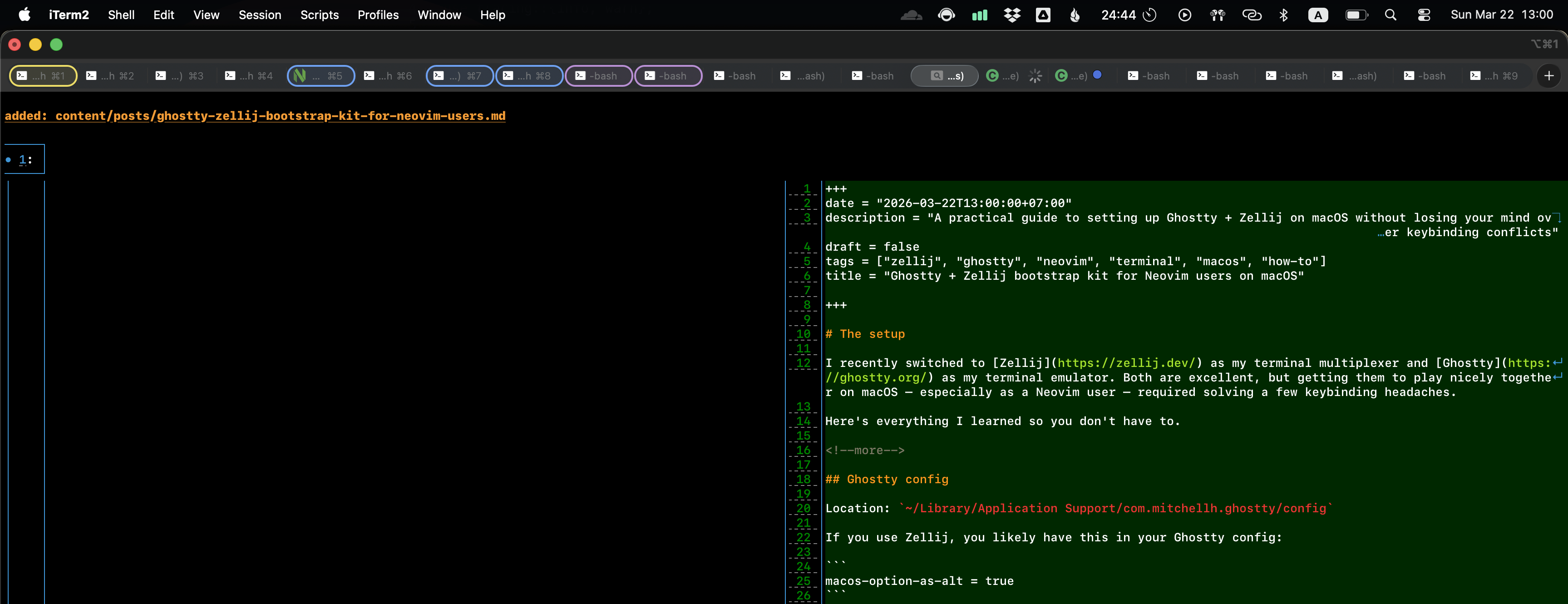
My global git config#
[interactive]
    diffFilter = delta --color-only

[delta]
    features = side-by-side line-numbers decorations hyperlinks navigate
    whitespace-error-style = 22 reverse

[delta "decorations"]
    commit-decoration-style = bold yellow box ul
    file-style = bold yellow ul
    file-decoration-style = none
The navigate feature lets you jump between files with n and N in the pager.
Git alias for delta#
I use a dd alias that pipes git diff through delta:
[alias]
    dd = "!git diff \"$@\" -- | delta #"
The trailing # is important — without it, git appends extra args at the end of the command, and delta interprets them as its own flags. The # comments those out so only git diff receives the arguments.
This lets you do:
git dd            # unstaged changes
git dd --staged   # staged changes
git dd HEAD~3     # last 3 commits